Scalar360 Sales & invoicing

GST billing and invoicing, quote to paymentFrom agreed price to paid invoice.

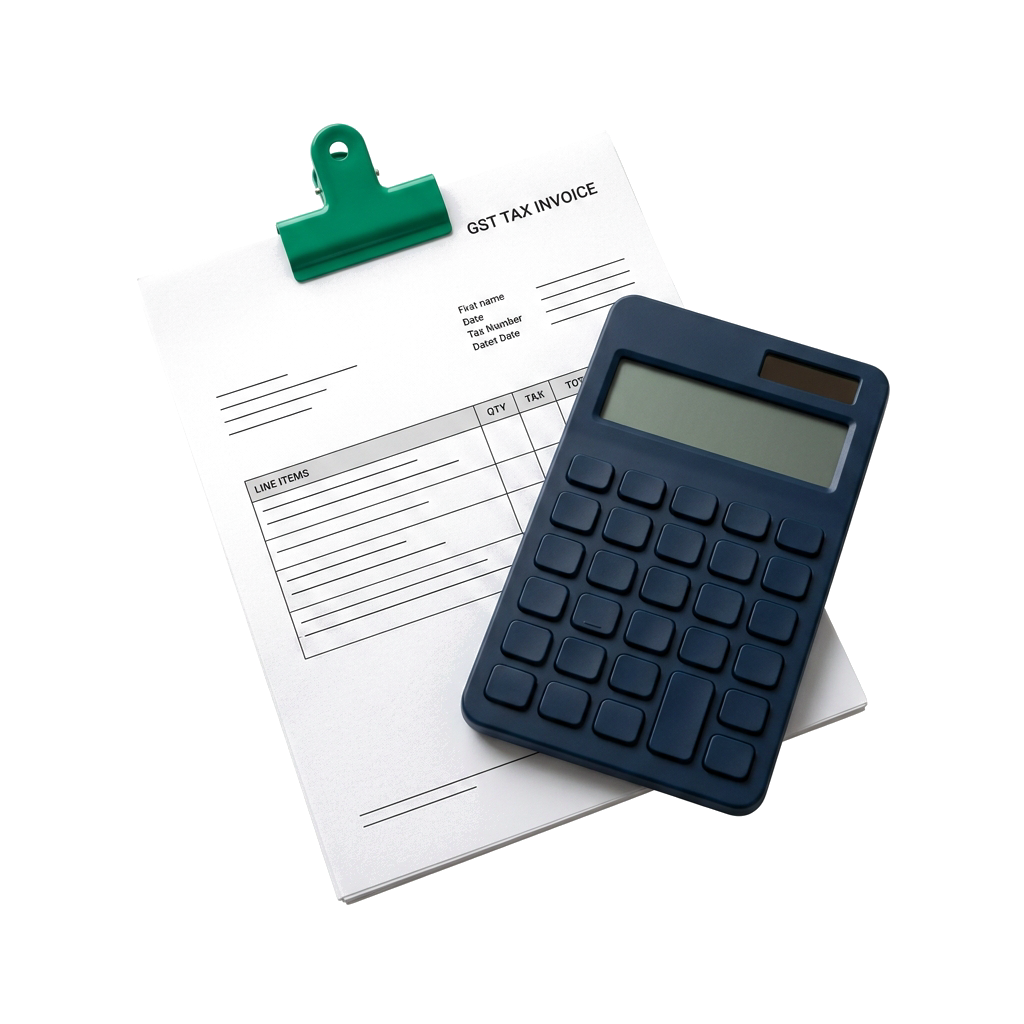
Quote, order, invoice, collect and fulfil from one commercial record, with GST-aware documents and customer context carried through every handoff.

New sales invoice
CustomerAranya Retail Pvt Ltd
Invoice no.INV/26-27/0148
ItemQtyGSTAmount
Retail display unit218%₹ 72,000
Installation service118%₹ 8,000
Subtotal ₹ 80,000IGST ₹ 14,400Total ₹ 94,400
Balance due₹ 34,400Part paid
Customer price listsQuotes & sales ordersGST invoicesQuick invoiceBranded PDFsRecurring schedulesReceivablesShipments & returnsCredit & debit notes

One sale should not become five disconnected records.

The customer agreed to one set of items and terms. When the quote, order, tax invoice, shipment and payment live apart, every question becomes a reconciliation exercise.

Scalar360 keeps the commercial thread intact, then gives each team the view it needs to move the transaction forward.

Open the part of the sale you own.

Each stage keeps its working controls close while preserving the record that came before it.

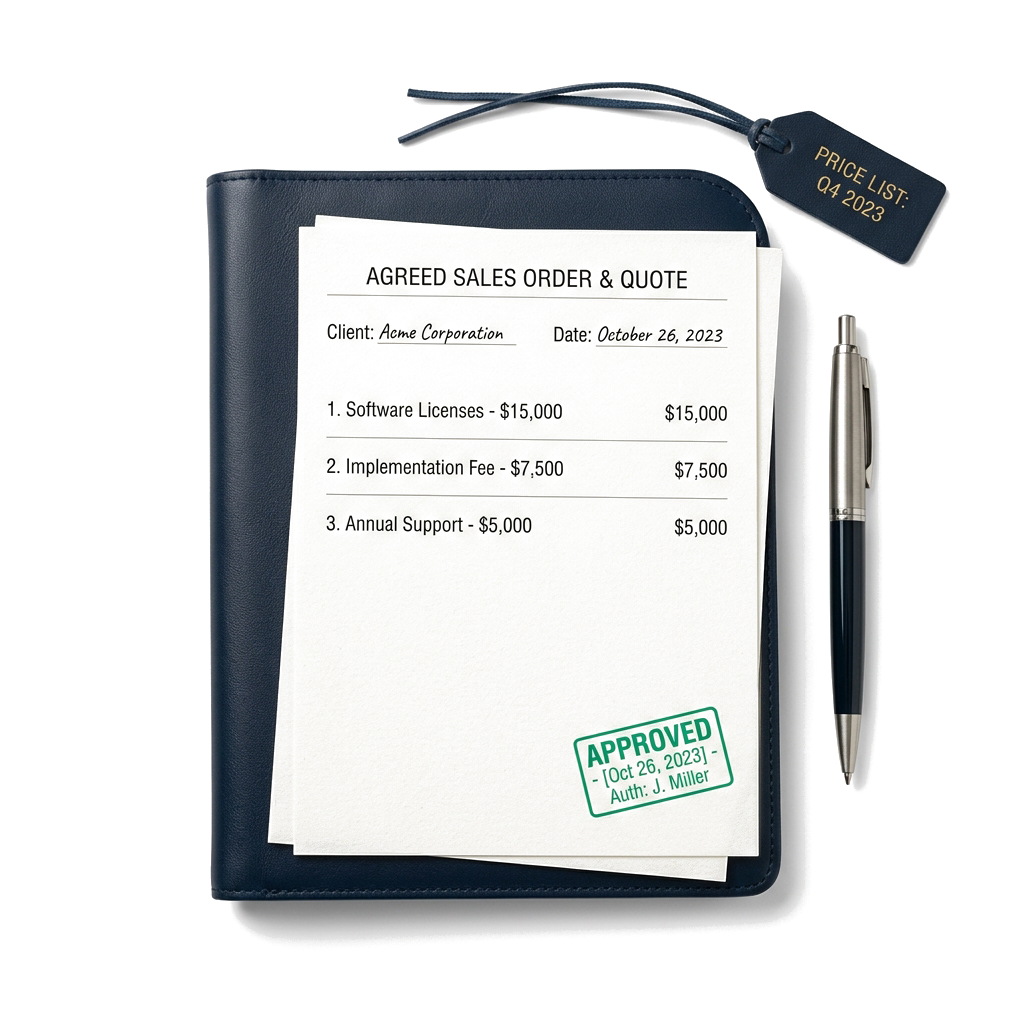
Keep the customer, agreed price and commercial trail together before anything is billed.

  • Customer profiles with GSTIN, addresses and transaction history
  • Customer-specific price lists that reprice document lines
  • Quotes with decisions, validity dates and invoice conversion
See every detail

How a sale moves through Scalar360

Same sale. Different document.

Customer, items, tax, terms, balance, delivery — each step starts with what the last one already set.

Walk through the steps
CustomerActive
AR

Aranya Retail Pvt Ltd

GSTIN · 29AAECA1234F1Z5

Total billed₹ 8.46L
Outstanding₹ 1.24L
Price listSouth retail
INV/0148 · Part paidQT/0092 · Accepted

Customer

Pick who you're selling to.

GSTIN, address, price list, past invoices — already on file.

Quotation QT/0092Accepted
Valid until 18 SepSouth retail price list
Retail display unit2 × ₹ 36,000Installation service1 × ₹ 8,000
Including GST₹ 94,400

Quote or order

Agree price before you bill.

Lines, tax, discounts and terms carry over when the customer accepts or you confirm the order.

New sales invoice
CustomerAranya Retail Pvt Ltd
Invoice no.INV/26-27/0148
ItemQtyGSTAmount
Retail display unit218%₹ 72,000
Installation service118%₹ 8,000
Subtotal ₹ 80,000IGST ₹ 14,400Total ₹ 94,400

Invoice

Bill what was agreed.

Convert from quote or order, or start fresh. CGST/SGST or IGST figures itself out.

Invoice receivablePart paid
Balance due₹ 34,400
64%
UPI₹ 40,000Bank transfer₹ 20,000

Payment

See what's paid and what's due.

Send the PDF, log part-payments, check balance — all on the same invoice.

Shipment SHP/0063In transit
ShippedIn transitOut for deliveryDelivered
Retail display unit2 of 2 shippedCarrierBlueDart · 77540182

Delivery

Ship, repeat, or adjust.

Partial shipments, recurring schedules, returns and credit notes stay linked to the invoice.

Quote → order → invoice → payment.

Statuses and actions from the app — not a separate spreadsheet to reconcile later.

Quote

Send it. Wait for a yes.

Draft → sent → accepted or rejected. Valid-until date stays put. Hit Convert to Invoice when they're in.
1 / 4

Everything behind a complete sale.

Keep customers, pricing, tax, documents, delivery, collections and reporting on one accountable commercial trail.

Sell

Keep the customer, agreed price and commercial trail together before anything is billed.

  • Create, edit and deactivate customer records with phone, email, GSTIN, billing and shipping addresses, state and PIN code.
  • See each customer’s total billed, outstanding balance, last transaction, invoices and recorded payments.
  • Search, sort and filter customers by status or date while respecting each teammate’s permissions.
  • Create customer-specific price lists and maintain item-level selling prices; selecting a list reprices the document.
  • Prepare itemised quotes with HSN, quantity, unit, rate, GST, discounts, notes, issue date and valid-until date.
  • Move quotes through draft, sent, accepted, rejected, expired and converted states, then turn an accepted quote into an invoice.
  • Create draft sales orders with expected shipping dates and warehouse context, confirm them, cancel them or convert them to invoices.

Invoice

Build a tax-aware invoice carefully or finish a walk-in sale without slowing the counter.

  • Create standard invoices with a customer, financial-year numbering, issue and due dates, PO reference, warehouse, price list and notes.
  • Add catalogue items or detailed lines with descriptions, HSN, quantity, unit, rate and 0%, 5%, 12%, 18% or 28% GST.
  • Apply discounts at line or document level and review subtotal, tax, grand total and round-off before issue.
  • Calculate intra-state CGST and SGST or inter-state IGST from the organisation, customer and place-of-supply context.
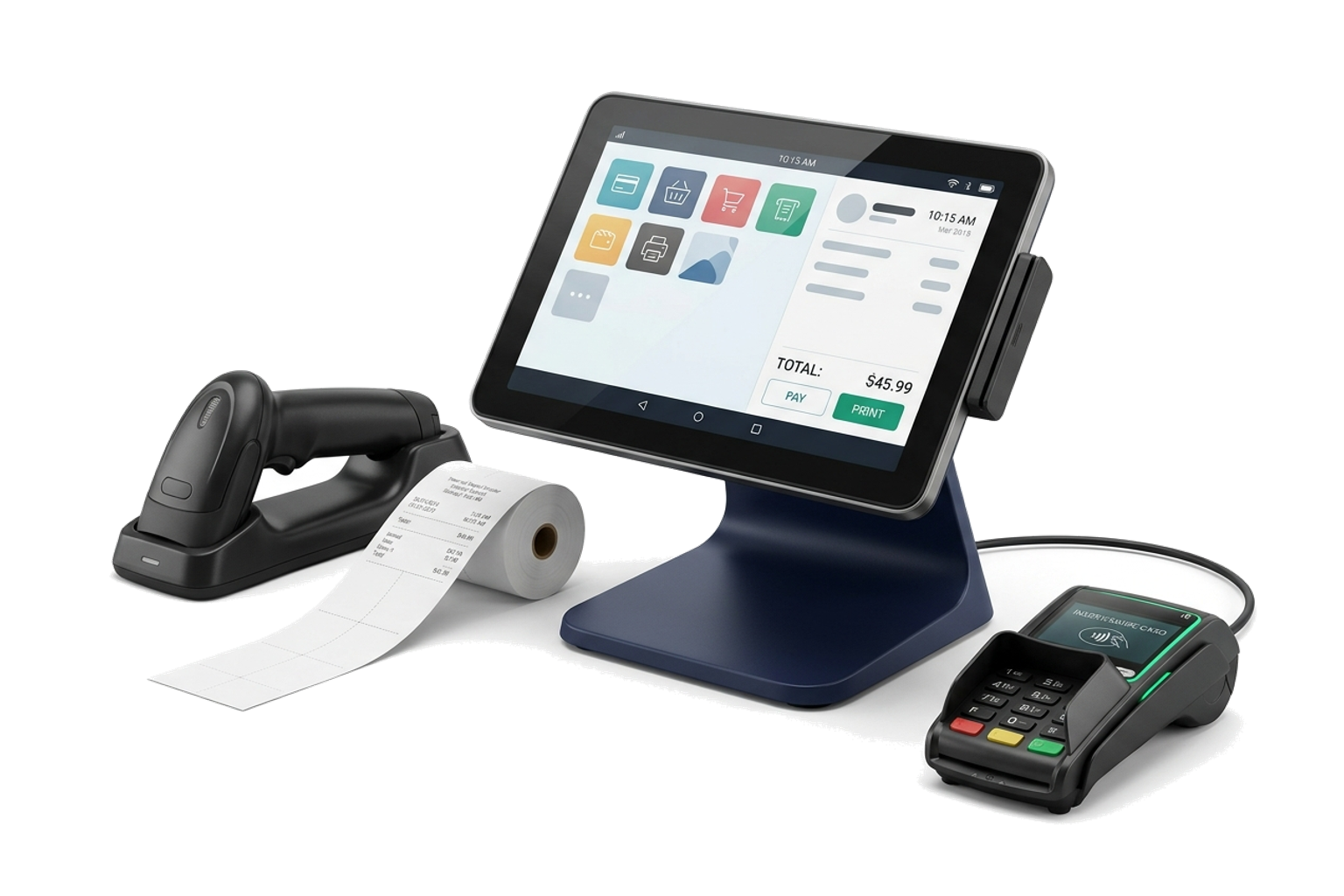
  • Use quick invoice for walk-in billing with optional customer details, free-form lines, inline item creation, preview, print and immediate issue.
  • Save drafts, issue invoices and cancel documents with the related inventory and payment effects handled by the transaction workflow.
  • Add active or required invoice custom fields—including file fields—and expose selected custom fields as list columns.
  • Search and filter by paid, due, overdue, draft or POS status, date and IRN presence, with configurable table columns.
  • Retain IRN, acknowledgement date and e-way bill references when those details are available on the invoice.

Present

Turn the same accurate invoice record into a document that looks and reads like your business.

  • Choose Classic, Minimal, Modern, Elegant or Compact invoice templates.
  • Add a PNG or JPG logo, choose an accent colour and maintain a footer note plus terms and conditions.
  • Preview the resulting PDF before making the layout the organisation default.
  • Reorder document sections with drag and drop, and hide sections that do not belong on the customer copy.
  • Choose which line-item columns and GST-rate columns appear on the PDF.
  • Configure the GST breakdown, item-wise tax split and IGST, CGST or SGST rows.
  • Add custom PDF labels and sample values in the header, body or footer.

Collect

Give finance the document, payment history and ageing context needed for a useful follow-up.

  • Open or download the invoice PDF and create a read-only public share link for issued invoices; drafts remain private.
  • Share through the device share sheet, email or a copied link.
  • Prepare an editable recipient, subject and message, attach the current invoice PDF automatically and send it through the organisation SMTP setup.
  • Record partial or full payments with amount, date, method and reference using Cash, Bank Transfer, UPI or Cheque.
  • Review payment history, total, paid amount, balance due and collection progress on the invoice.
  • Find issued invoices with an outstanding balance from the global payment flow and see due, overdue, paid or cancelled states.
  • Use sales summary and invoice-ageing reports for total sales, collected value, outstanding value, average invoice, age and customer context.
  • Export the supporting sales-summary and invoice-ageing data for further review.

Repeat

Schedule repeat billing, carry the sale into delivery and correct the record without breaking its history.

  • Create recurring invoice schedules with customer, line items, notes, first issue date, next issue date and due-day rules.
  • Choose weekly, fortnightly, monthly, quarterly or yearly frequency, then pause, resume, generate now, update or remove a schedule.
  • Let active schedules generate invoices automatically on their next issue date.
  • Review each invoice line’s ordered, shipped and remaining quantity before fulfilment.
  • Create partial or complete shipments with warehouse, carrier, tracking, shipping and delivery dates, notes and delivery status.
  • Move shipments through shipped, in transit, out for delivery and delivered, or cancel a shipment and restore its stock effect.
  • Create a sales return against an issued invoice or shipment, limit quantities to what was sold or shipped and optionally restock a warehouse.
  • Create credit or debit notes against an issued invoice with amount, date, reason and notes; retain the link to the receivable they adjust.
  • Reverse a return or note while preserving the relationship to the original transaction.

Understand

Read sales performance and collection pressure without reconstructing the story in a spreadsheet.

  • Review total invoiced, collected, outstanding, this-month invoiced, average invoice and collection rate.
  • See invoice, customer, quote and overdue counts together.
  • Compare the six-month revenue trend and current invoice-status distribution.
  • Identify top debtors, top-selling items, overdue invoices and recent invoices before deciding the next action.
  • Keep recent quotes visible beside billing activity so the pipeline-to-cash handoff stays legible.
  • Carry converted CRM leads into new or existing customer records and optionally begin with a prefilled quotation.
  • Continue from contact records or project billing into an invoice without rebuilding the customer context.

Commercial overview

See the pressure points before they become surprises.

Revenue trend, collection rate, overdue invoices, top debtors, top-selling items and recent quotes share one operating view.

Sales overviewLast 6 months
Total invoiced₹ 48.6L
Collected₹ 39.2L
Outstanding₹ 9.4L
Top debtorsAranya Retail ₹ 1.24LKaveri Foods ₹ 96KNorthline Co ₹ 72K

Connected before and after the invoice.

Follow the same record into the modules that create or explain it.

Before you bring the sales trail together.

Can Scalar360 handle both detailed and counter-style invoicing?

Yes. Standard invoices support customer, dates, PO reference, warehouse, price list, custom fields and detailed lines. Quick invoice is designed for walk-in billing, with optional customer details, free-form lines, inline item creation, preview, print and immediate issue.

How does GST work on an invoice?

Invoice lines support 0%, 5%, 12%, 18% and 28% GST. Scalar360 uses the organisation, customer and place-of-supply context to present intra-state CGST and SGST or inter-state IGST, then calculates subtotal, discounts, tax, grand total and round-off.

Can invoices be sent and shared outside Scalar360?

Issued invoices can be downloaded as PDFs or shared through a read-only public link. Email preparation keeps the recipient, subject and message editable and attaches the generated invoice PDF before sending through the organisation SMTP configuration. Draft invoices are not exposed publicly.

Can I schedule recurring invoices?

Yes. Schedules can run weekly, fortnightly, monthly, quarterly or yearly with first and next issue dates plus due-day rules. You can pause, resume, generate immediately, edit or remove a schedule.

Can I record partial payments and review overdue invoices?

Yes. Record partial or full receipts by Cash, Bank Transfer, UPI or Cheque, including date and reference. Invoice history, outstanding balances, ageing, top-debtor and overdue views keep collection work current.

What happens when goods are returned or an invoice needs adjustment?

A sales return can reference the issued invoice or a specific shipment, cap quantities to what was sold or shipped and optionally restock a warehouse. Credit and debit notes retain the link to the original invoice and its receivable.

Let’s connect
your business.

Bring your workflows. We’ll show you how they fit together in Scalar360.
Book a demosales@scalar360.com