
Scalar360 People & payroll

People and payroll in the same workspaceEvery workday, properly accounted for.

Keep the employee record, attendance evidence, approval trail, monthly pay and development history in one connected workspace.

People overviewThursday, 04 September
Live
Active employees485 departments
Present today4287.5% of team
On leave32 planned
Pending approvals3Needs review
Today’s attendance42 / 48
Present 42 Leave 3 Absent 3
August payrollApproved

Net payroll₹ 18.7L

Employer cost₹ 21.2L

48 payslips ready
Latest punchAnanya Rao · 08:57
On time
Employee importBiometric attendanceLeave approvalsPayroll runsPF & ESIGeo-fenced check-inPayslipsOnboardingAppraisals

People data should explain the month—not delay its close.

When profiles, attendance, requests and salary decisions live in separate files, HR spends the month rebuilding context that already existed.

Scalar360 carries each decision forward: from the employee record to the workday, from the workday to payroll, and from payroll into the wider business.

Open the workflow your day needs.

Move from employee setup to attendance, approvals, payroll and development without losing the underlying record.

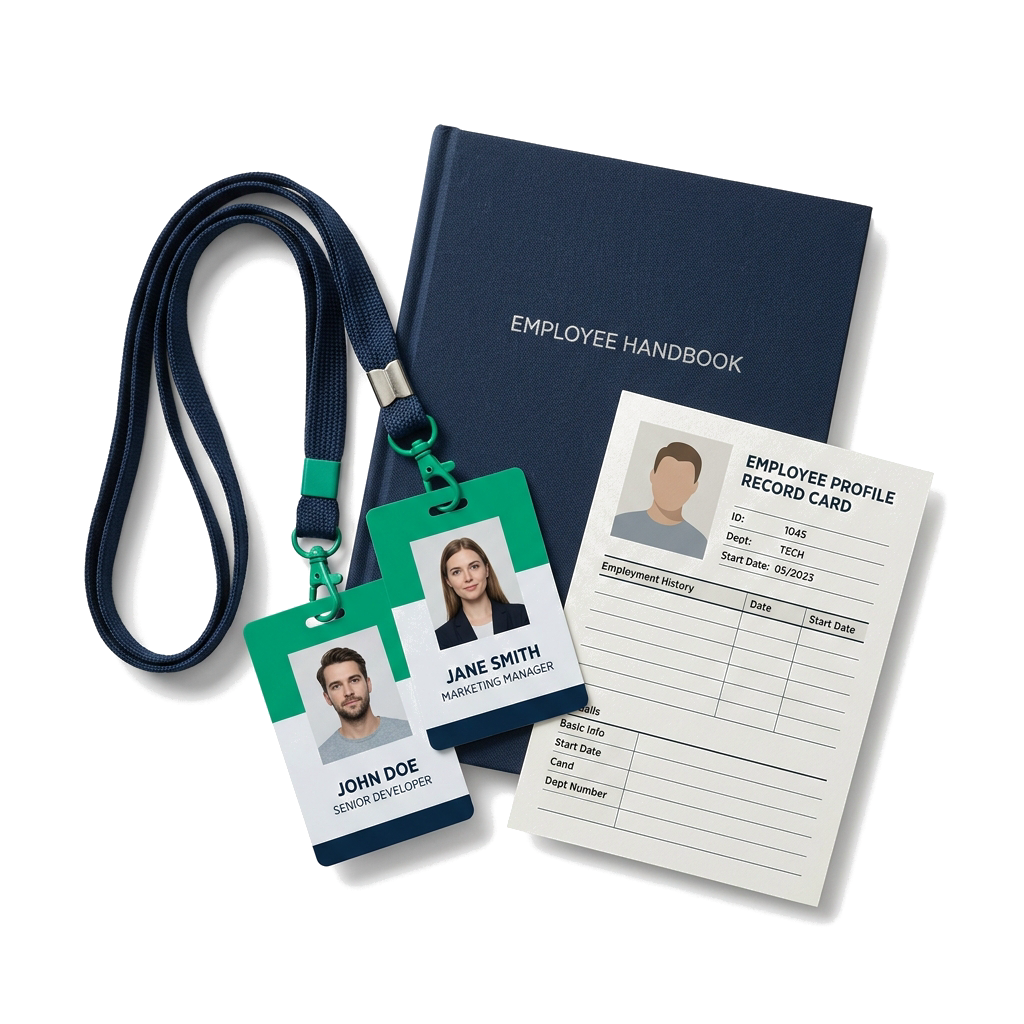
Build one dependable employee record for identity, work, pay and access.

  • Personal and employment profiles
  • Departments, designations and managers
  • CSV or Excel employee migration
  • Bank, PAN, UAN and ESI details
See every detail

The employee record is useful when every later decision can find its way back.

One record through the month

From joining to payroll, context travels forward.

Profile, attendance, approvals, payroll and development stay linked throughout the employee lifecycle.

Create the record

A joiner becomes operational once, everywhere.

Profile, department, manager, salary, shift, office and access begin from the same employee record.

Capture the day

The workday arrives with evidence attached.

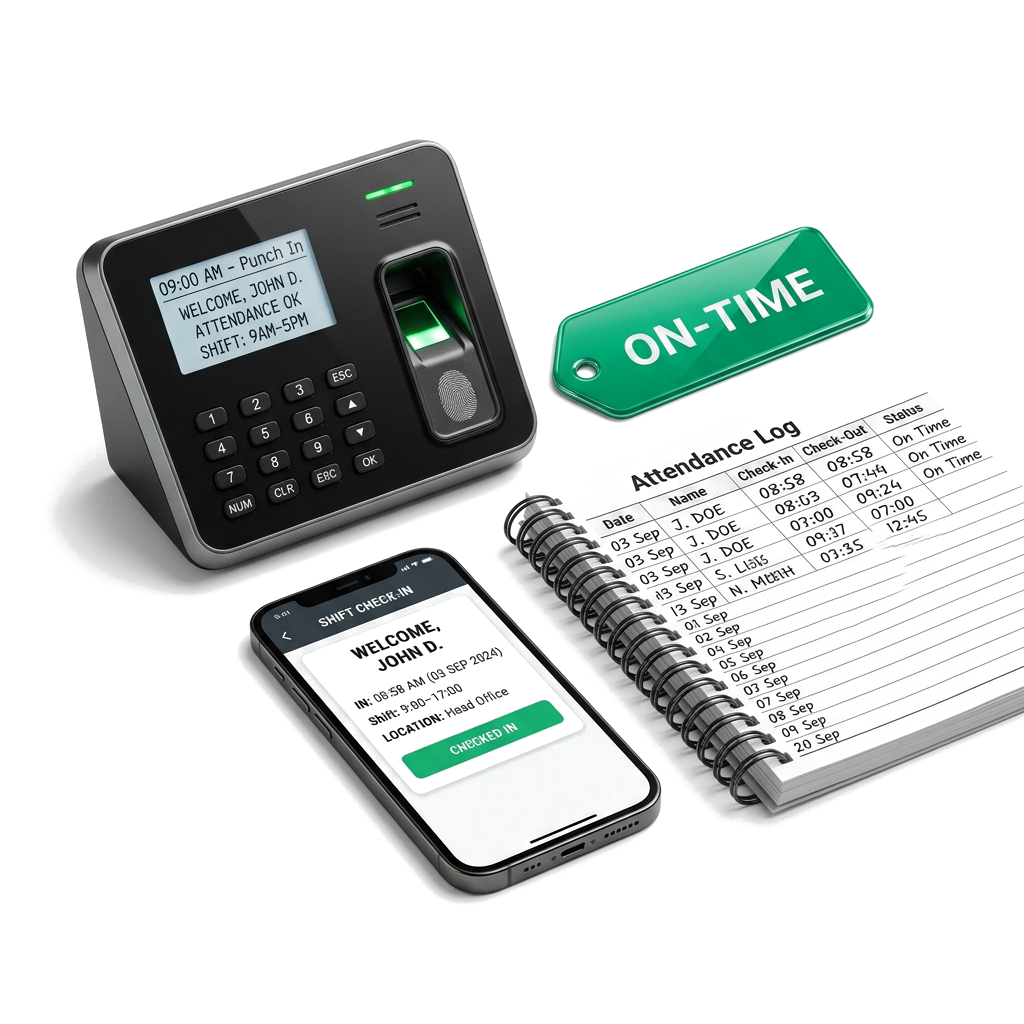
Web, mobile, biometric, import and manual punches resolve into hours, status, late time and overtime.

Review the exception

Requests reach the person who can decide.

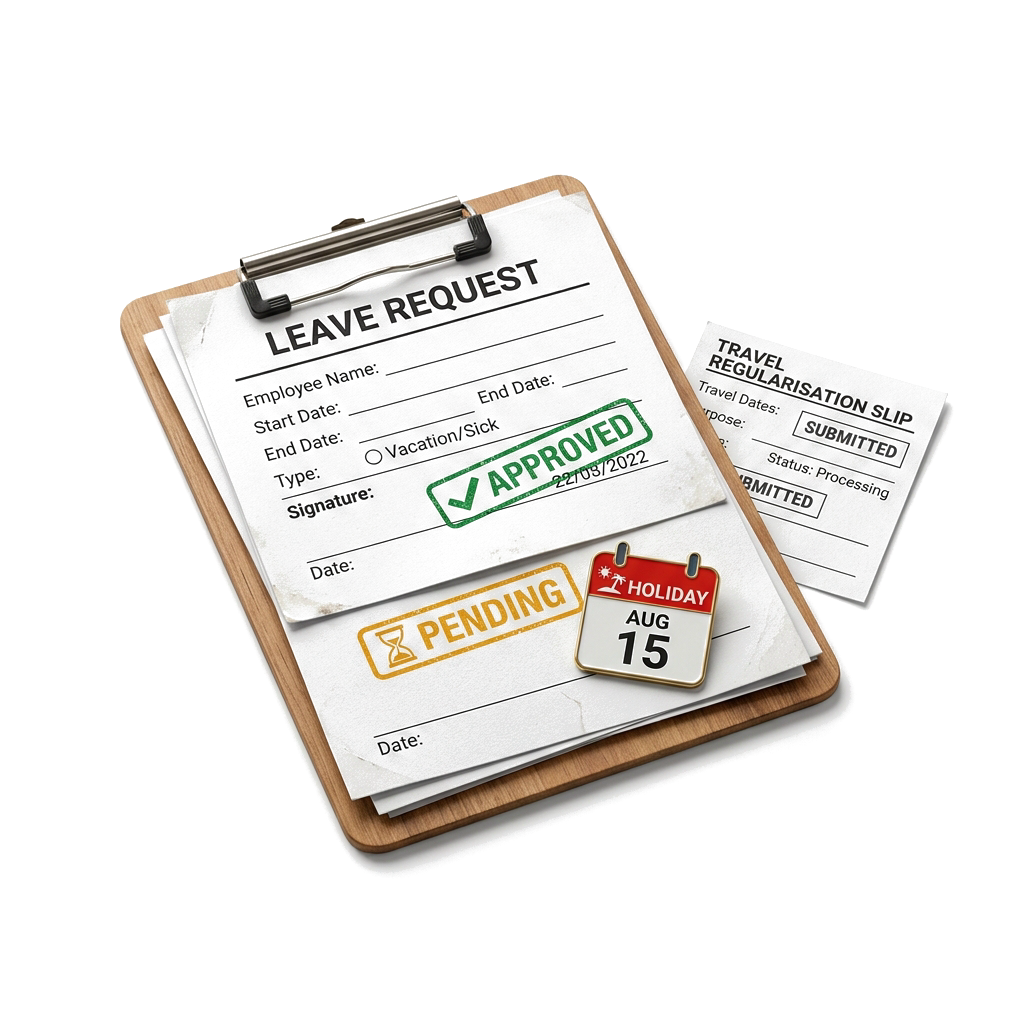
Leave, attendance corrections, WFH and travel move through visible approval states with reasons intact.

Close the month

Payroll is previewed before it becomes a record.

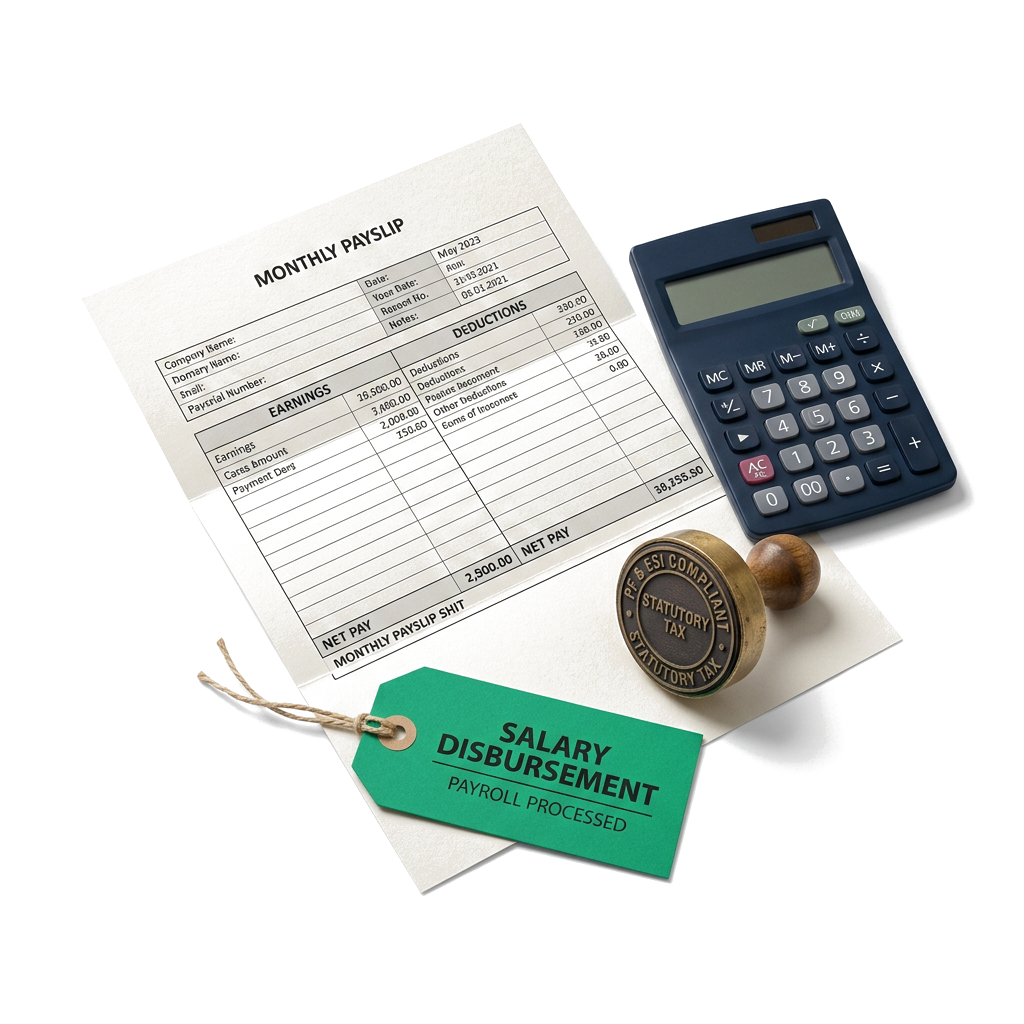
Paid days, earnings, statutory deductions and net pay can be checked, drafted, approved and marked paid.

Carry the history

Development and change remain part of the record.

Assets, documents, letters, salary revisions, training and appraisal outcomes stay connected to the employee.

Everything behind a well-run employee month.

Keep people records, attendance evidence, approvals, payroll and development ready for the next decision.

People records

Build one dependable employee record for identity, work, pay and access.

  • Create, edit, search and remove employee records with employee code, contact details, date of birth, gender and address.
  • Record department, designation, joining date, employment type, current status and exit date.
  • Support full-time, part-time, contract, intern and consultant employment types.
  • Create organisation departments and department-linked designations with reusable codes.
  • Assign reporting managers, employee or manager roles, shifts and office locations.
  • Store bank account, IFSC, bank name, PAN, UAN, PF number and ESI number for payroll and compliance work.
  • Download CSV or Excel employee templates and import an existing team in bulk.
  • Skip duplicate employee codes or emails and return created, skipped, failed and row-level error results.

Time & attendance

Capture the workday from live punches through monthly paid-day totals.

  • Review live attendance, daily registers, monthly summaries and regularisation requests from separate working views.
  • Clock one or several employees in or out and update attendance statuses in bulk.
  • Use present, absent, half-day, leave, holiday and weekly-off statuses with paid-day summaries.
  • Capture check-in, check-out, hours, late minutes, early minutes, overtime and the source of each record.
  • Preview and import CSV or Excel attendance files with employee, timestamp, direction and validation status.
  • Connect fingerprint, face or card devices, regenerate device tokens, restrict device IPs and inspect raw punches or unmapped IDs.
  • Configure full-day and half-day hours, shift times, grace minutes, workweek, timezone and automatic status calculation.
  • Create named shifts and assign an employee-specific shift over the organisation default.
  • Enable browser or mobile check-in with optional network allowlists, office geo-fences and selfie evidence.

Leave & requests

Turn time away and attendance corrections into visible approval work.

  • Create paid or unpaid leave types with codes, annual quotas and carry-forward controls.
  • Maintain employee leave balances by type and year, including allocated and used days.
  • Apply for leave across a date range with calculated days and a reason, then approve or reject the request.
  • Submit missed or incorrect punch corrections with requested times, optional forced status and supporting reason.
  • Approve or reject attendance regularisations while retaining the decision state.
  • Maintain a company holiday calendar with public or optional holidays, descriptions and recurring dates.
  • Create, filter, approve, reject or cancel work-from-home and trip requests with destination, purpose, travel mode, estimated cost and advance request.

Payroll & compliance

Calculate the month from attendance, salary structure and statutory settings.

  • Maintain annual CTC alongside monthly basic, HRA, special allowance, TDS and statutory applicability.
  • Model salary components as earnings or deductions using fixed, percentage-of-basic or percentage-of-CTC calculations.
  • Configure employee and employer PF rates, PF wage ceiling, ESI rates, ESI wage ceiling and monthly professional tax.
  • Preview a pay period before saving and inspect employee count, paid days, gross, deductions and net pay.
  • Create a draft payroll run, approve it and mark the approved run as paid with a payment date.
  • Delete an unfinished draft without exposing approved or paid payroll to the same action.
  • Calculate loss-of-pay days, PF, ESI, professional tax, TDS, other deductions and employer contributions per payslip.
  • Open individual payslips as PDFs with employee, bank and statutory identifiers captured at run time.
  • Choose classic, modern or minimal payslip templates, set the accent colour, add a standard note and preview the result.

Employee lifecycle

Carry joining, changes and exits through repeatable administrative workflows.

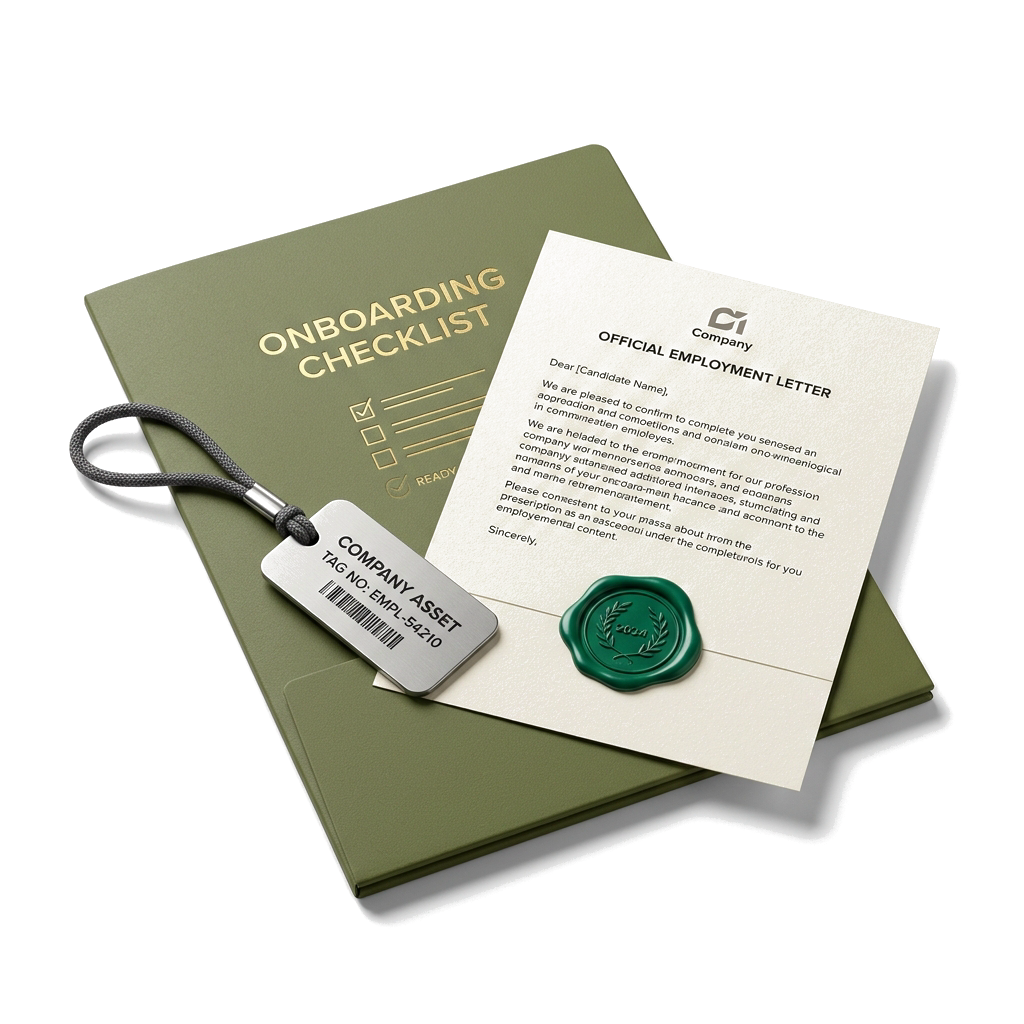
  • Create reusable onboarding and offboarding checklist templates with ordered tasks and active status.
  • Start a checklist for an employee, mark individual work complete and track completed versus total progress.
  • Upload employee documents with type, number, issue date, expiry date, notes and the original file.
  • Filter the employee document vault and surface records approaching expiry.
  • Register company assets with tag, category, serial number, purchase details, vendor and current status.
  • Assign assets to employees with condition notes, record returns and retain the assignment history.
  • Propose salary revisions with current and proposed CTC, effective date and justification; approve, reject, apply or cancel them.
  • Create active letter templates for offers, appointments, experience certificates or custom communication using employee placeholders.
  • Generate numbered employee letters, retain issued records and download the finished letter as a PDF.

Skills & performance

Connect employee capability, learning and review cycles without a separate spreadsheet.

  • Maintain an active skills catalogue with category and description.
  • Assign skills to employees with proficiency, a one-to-five rating and supporting notes.
  • Create courses with provider, category, description and duration in hours.
  • Enrol employees, track enrolment status, completion date, score, certificate number and certificate expiry.
  • Create appraisal cycles with review period and draft, active or closed status.
  • Start employee appraisals inside a selected cycle and assign a reviewer.
  • Rate individual competencies, add self and reviewer comments and set an overall one-to-five rating.
  • Move reviews through pending, in-review and completed states while retaining reviewer and completion context.

Dashboard & access

Give HR and managers a current operating view with permission-aware controls.

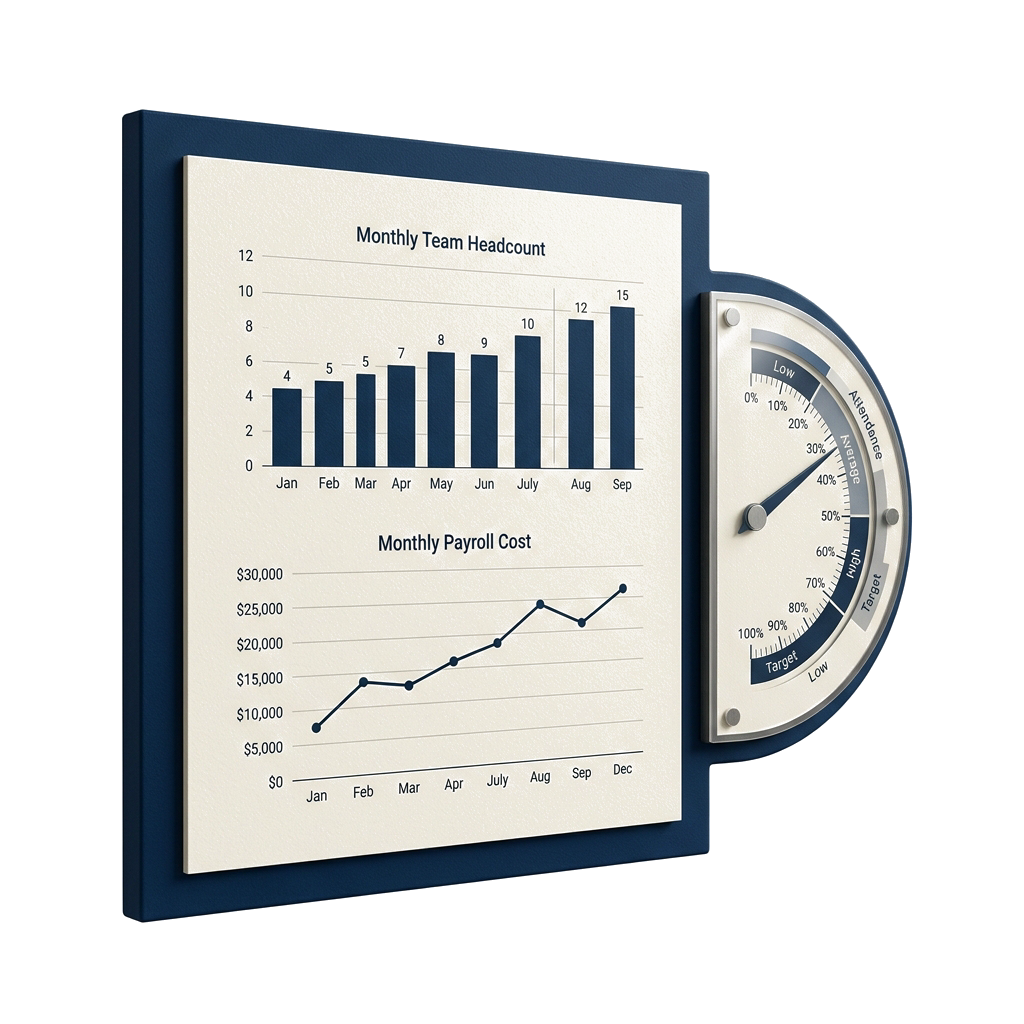
  • Review active employees, total records, departments, new joiners and exits from the People dashboard.
  • See present, absent and on-leave counts alongside pending leave approvals.
  • Review the latest payroll net value and employer cost including employer PF and ESI.
  • Generate an employee login PIN and disable an employee account when access should stop.
  • Use separate employee and manager roles with a reporting-manager relationship.
  • Apply permission-aware access to employee, payroll, attendance, leave, settings and wider HR workflows.

People decisions meet the rest of the business.

Follow payroll costs, employee expenses and project work into their connected operating context.

Before you bring the team across.

Can we import our existing employees?

Yes. Download a CSV or Excel template, add one employee per row and upload it. Duplicate employee codes or emails are skipped, and the result reports created, skipped, failed and row-level errors.

Which attendance capture methods are supported?

Attendance can come from manual entry, live web check-in, mobile self check-in, CSV or Excel import, or connected fingerprint, face and card devices. Policies can derive status, late time and overtime from those punches.

Can mobile attendance be limited to an office?

Yes. Define office coordinates and a radius, assign an office to an employee if needed, and require geo-fence or selfie evidence. Browser check-in can also be restricted by allowed IP addresses.

How does a payroll run move through the system?

Choose a month, preview employee paid days and calculated amounts, create a draft, approve the run and mark it paid. Individual payslips remain available as PDFs.

Does payroll support Indian statutory deductions?

Payroll configuration includes employee and employer PF, PF wage ceilings, employee and employer ESI, ESI wage ceilings, professional tax and employee-level TDS. These settings are configurable by the organisation.

What employee lifecycle work is included?

The People module includes onboarding and offboarding checklists, an employee document vault with expiry dates, asset assignment and return, salary-revision approvals, generated HR letters, training and performance appraisals.

Let’s connect
your business.

Bring your workflows. We’ll show you how they fit together in Scalar360.

Book a demosales@scalar360.com