CRM software for Indian SMEsTurn every lead into a clear next move.
Capture enquiries from spreadsheets, branded forms and Meta Lead Ads. Route them into the right pipeline, give every owner the next task and see what is moving revenue forward.
CSV & Excel importMeta Lead AdsMultiple pipelinesCustom fieldsFollow-up queuesWhen–If–Then automationWeighted forecastingPublic lead formsCSV & Excel importMeta Lead AdsMultiple pipelinesCustom fieldsFollow-up queuesWhen–If–Then automationWeighted forecastingPublic lead forms
Leads arrive from everywhere. Your process should not scatter.
A spreadsheet import, an Instagram form, a referral and a direct call can all represent the same kind of opportunity. Scalar360 brings them into one operating record without flattening the way your team sells.
Capture the signal, choose the path and keep the next action visible until the relationship moves forward.
Capture. Qualify. Follow through.
Four connected parts of the work, designed around the records your team already needs to maintain.
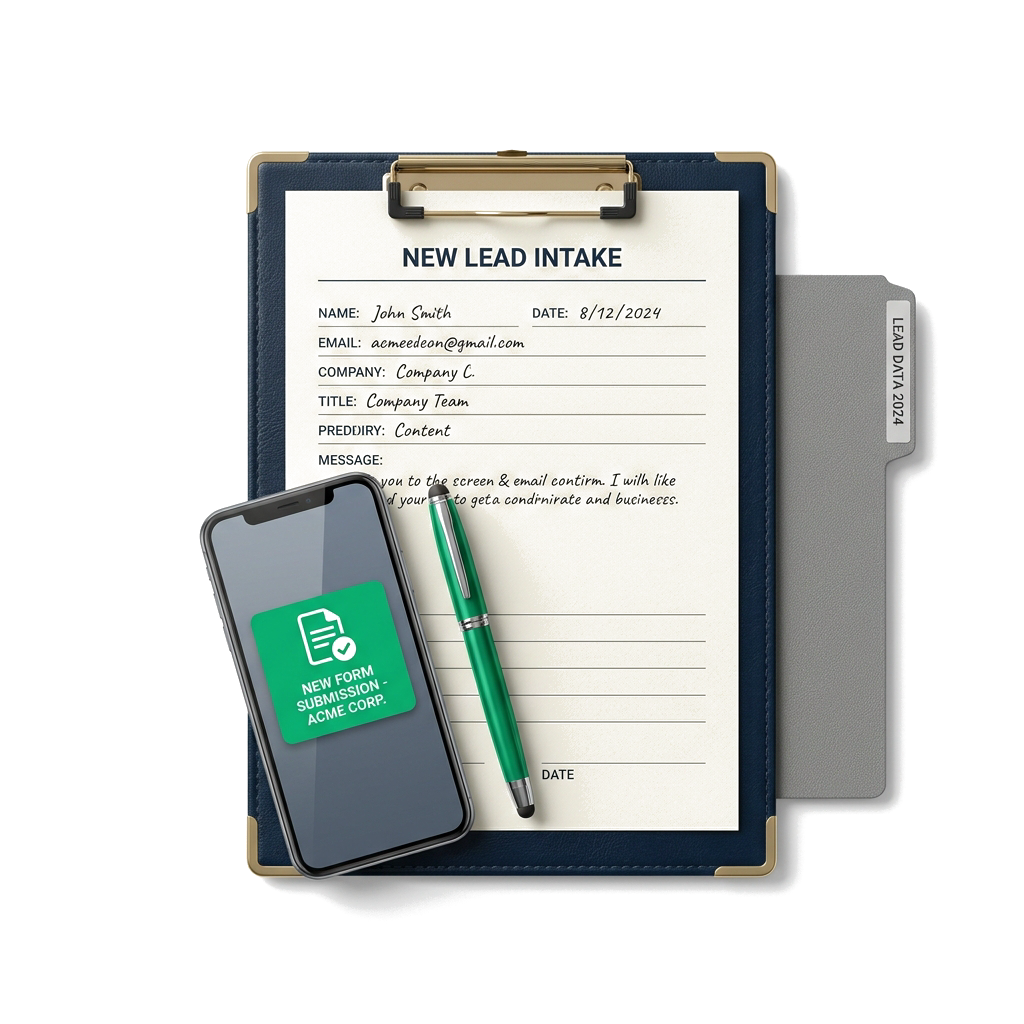
Import an existing list, publish a branded form, accept an API submission or connect Meta Instant Forms. New information lands in the pipeline your team expects.
scalar360 Search recordsAN
CRMSales pipeline
New businessPartnershipsRenewals
New₹4.2L
A
Aster WorksOwner · Ananya
N
Nila FoodsFollow-up today
Discovery₹3.1L
M
Mango StudioOwner · Ananya
H
Harbour Co.Follow-up today
Proposal₹2.4L
F
FieldnoteOwner · Ananya
K
Kaveri LabsFollow-up today
Won₹1.8L
O
Orchid SupplyOwner · Ananya
Illustrative product view · sample data
Shape the pipeline
One business can run more than one sales motion.
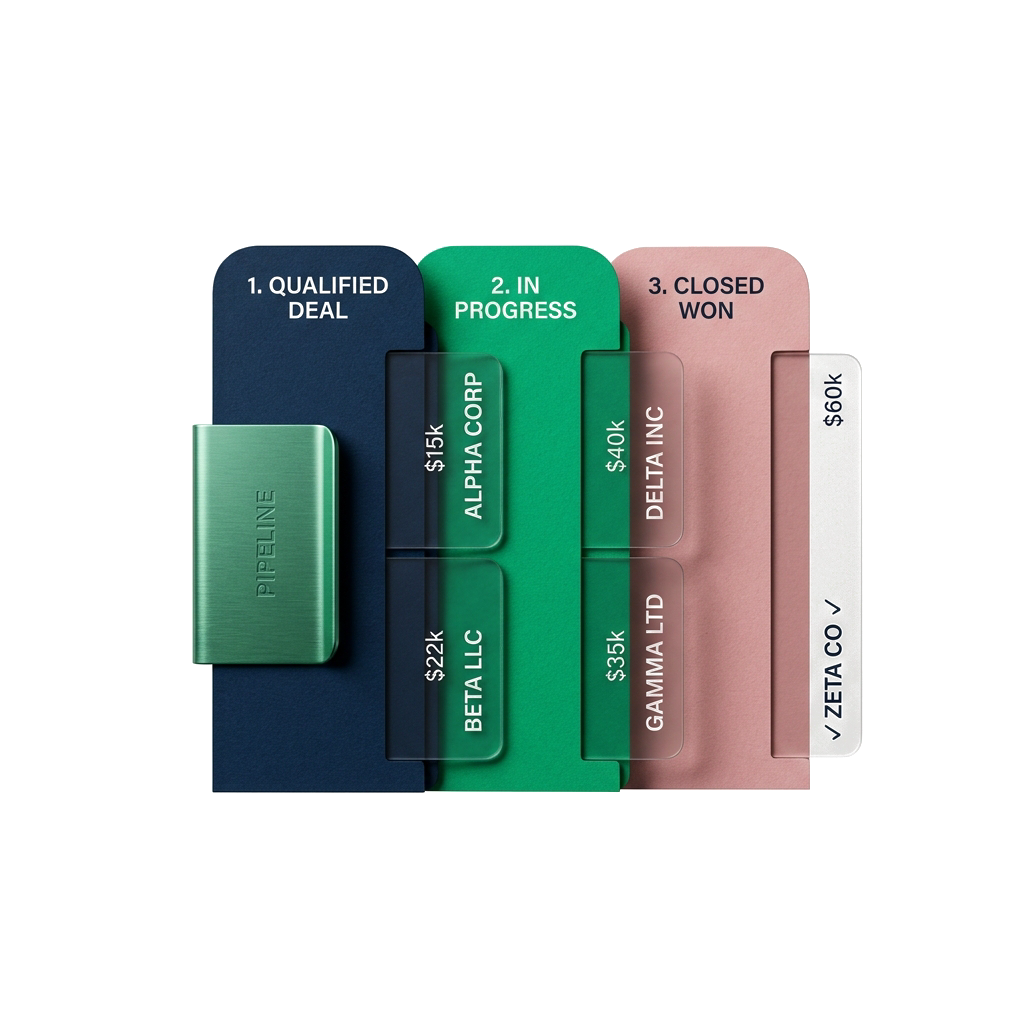
Keep a separate pipeline for each motion, configure its stages and attach a practical win probability to the work that remains open.
scalar360 Search recordsAN
Qualified leadMeera · Harbour Co.
Owner · Arjun
Deal value₹1,84,000
NewDiscovery3Qualified4Proposal
CallEmailWhatsAppShare
IndustryDistribution
RegionSouth
PriorityWarm
ActivityTasks 2
MeetingRequirements reviewed with MeeraToday · 11:30
EmailProposal and item details sentYesterday · 16:10
Note@Ananya to confirm delivery windowAug 29 · 10:20
Illustrative product view · sample data
Keep the relationship moving
The next action sits beside the full conversation.
Tasks, reminders, calls, meetings, messages, email and files share the lead record, with ownership and teammate mentions intact.
scalar360 Search recordsAN
AutomationRe-engage idle leads
Enabled
WHEN
Lead goes quietNo activity for 7 days
IF
Stage is QualifiedAND deal value is set
THEN
Notify lead ownerCreate follow-up task due today
Runs in the background and writes every action back to the lead.
Illustrative product view · sample data
Protect the routine
Let repeatable follow-through run in the background.
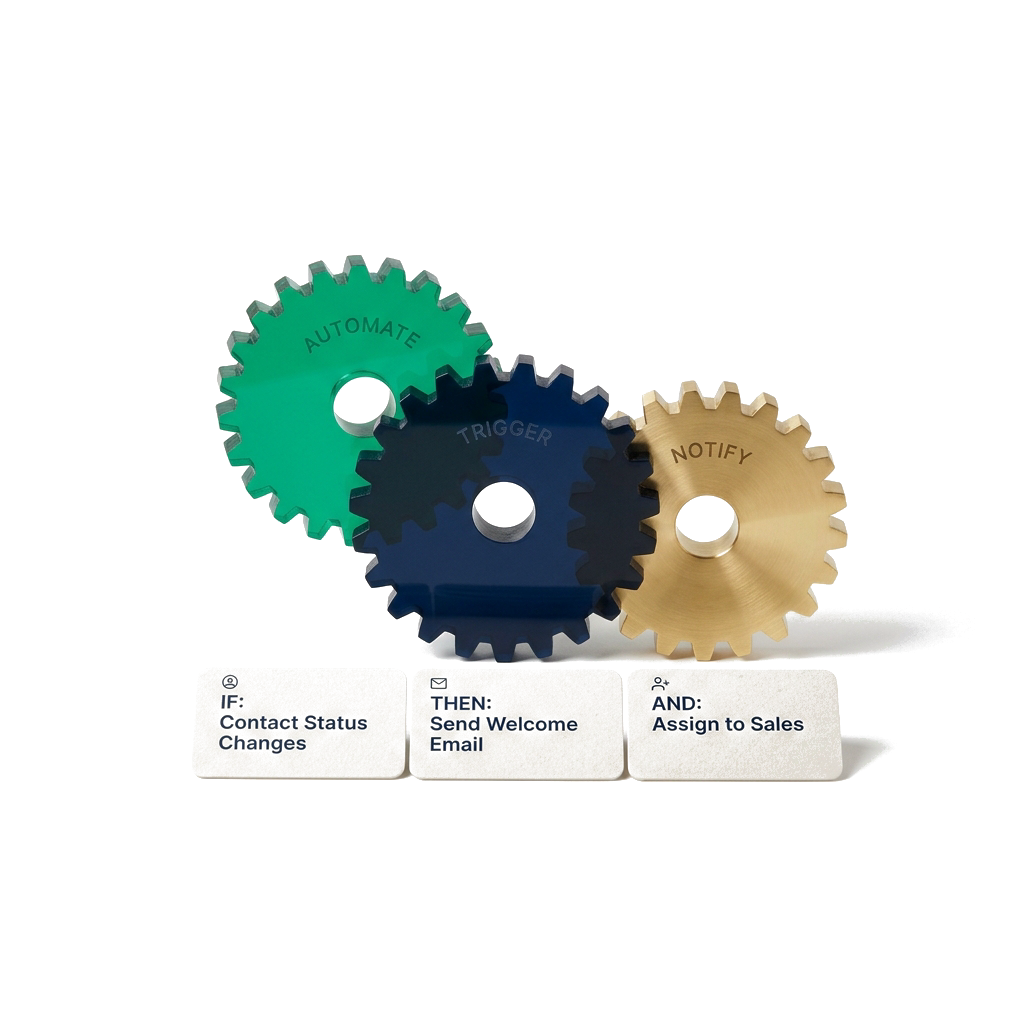
Use a clear When, If, Then builder to assign work, create tasks, send email, notify the right person and advance a lead when the conditions match.
scalar360 Search recordsAN
AnalyticsPipeline performance
All pipelines · 90 days
Open pipeline₹18.4Lvs previous period
Conversion28.6%vs previous period
Won value₹7.2Lvs previous period
Avg. days to win19vs previous period
Weighted forecast₹11.8L expected
Commit72%
Weighted58%
Best case94%
Funnel movementSource · owner
NewDiscoveryProposalWon
Illustrative product view · sample data
Read the pipeline
Measure momentum, not just the final result.
See conversion, aging, velocity, source quality, team performance and a weighted forecast with filters that match the pipeline under review.
See the whole sales process in one place.
Capture, organise, engage, automate and analyse without breaking the connection to the lead.
Capture
Bring leads and contacts in without rebuilding the same information by hand.
Create and edit leads and contacts with owners, company details and deal value.
Import from CSV and Excel with duplicate checks and row-level results.
Build, theme, publish and unpublish public lead forms.
Share forms by link, iframe, embed or API with origin and key controls.
Receive Facebook and Instagram Instant Form submissions in real time.
Map Meta form answers to fields, sources and pipelines.
Organise
Shape the records and sales paths around the way your team actually works.
Create, rename and reorder multiple pipelines for each sales motion.
Configure stages, ordering, visibility and Won or Lost rules.
Set win probabilities for weighted forecasting.
Maintain custom categories, sources and colours.
Add custom text, number, date, select, phone and file fields.
Search, sort and filter by stage, origin and date.
Engage
Put the next call, message, task and document beside the relationship it belongs to.
Schedule follow-ups and work today, upcoming and overdue queues.
Assign tasks with due dates and complete them from My Tasks.
Log notes, calls, meetings and WhatsApp in one timeline.
Mention teammates and keep ownership clear on every update.
Attach Drive-backed documents to timeline entries.
Send email, WhatsApp, click-to-call and share record links.
Reuse templates with lead, sender, org and value placeholders.
Automate
Turn repeatable follow-through into rules that keep working after the tab is closed.
Trigger on new lead, stage change or idle lead.
Match all or any conditions across stage, source, value and owner.
Start from recipes for welcome, handoff and re-engage flows.
Enable, pause and edit rules with a readable When–If–Then summary.
Analyse
See the work, value and momentum behind the pipeline instead of relying on a weekly reconstruction.
Review open pipeline value, won value, tasks and top open deals.
Inspect funnel movement, lead temperature, sources and latest activity.
Filter by pipeline, owner, source and date with flexible granularity.
Compare periods across conversion, won value and days to win.
Use weighted forecast, velocity, drop-off, aging and revenue trends.
Compare source performance, leaderboards and export CSV data.
The handoff is part of the relationship.
Convert a lead into a new or existing customer, preserve the CRM context and begin a prefilled quotation. Contacts can also hand directly into a new invoice without presenting billing as a CRM feature.
Yes. Scalar360 provides CSV and Excel templates for leads and contacts. Imports report created, skipped and failed rows, and duplicate phone numbers or email addresses are skipped within the organisation.
Can different teams use different pipelines?
Yes. You can create and reorder multiple pipelines. Each pipeline keeps its own ordered stages, visibility settings and win probabilities, and leads or forms can be routed to the appropriate pipeline.
Can Meta Lead Ads create CRM leads automatically?
Yes, after the Meta app and permissions are configured. Connect a Facebook Page to receive Facebook and Instagram Instant Form submissions in real time, then map each form’s answers, source and destination pipeline.
Can I put a Scalar360 lead form on my website?
Yes. A published form can be shared as a public link, iframe or native JavaScript embed. API-key access is also available for retrieving a form definition and submitting leads from a custom integration.
What can CRM automations do?
Rules can react to a new lead, a stage change or an idle lead. After optional conditions, they can create a task, send templated email, notify a teammate, add a note, assign the lead or change its stage.
Can I customise the information stored on each record?
Yes. Leads and contacts support organisation-wide custom fields using text, number, date, select, phone and file types, including required and active settings.
Let’s connect your business.
Bring your workflows. We’ll show you how they fit together in Scalar360.