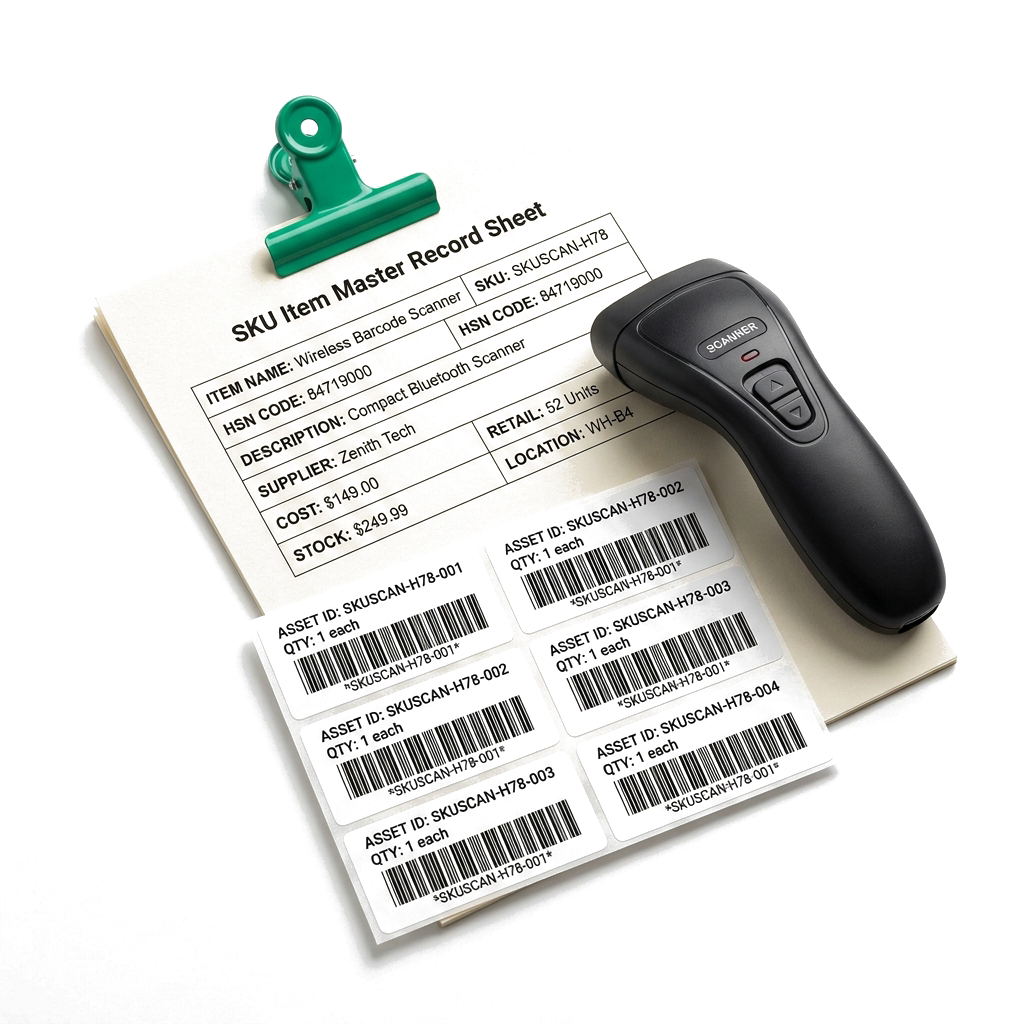

Create a dependable item record before quantities begin to move.
- SKU, HSN, GST, cost and selling price
- Tracked inventory or non-stock items
- Units, purchase units and conversions
Scalar360 Inventory
Define every item, see its warehouse position, explain every movement and turn low-stock or expiry signals into the next action.
Healthy 281
Low stock 31
Out of stock 14
Stock moves through purchases, sales, returns, transfers, assemblies and corrections. A useful inventory system must explain both the current quantity and the transaction that changed it.
Scalar360 keeps identity, location, movement, replenishment and value on one traceable inventory record.
Define the item, place the quantity, protect availability and understand its value.
SKU, HSN, GST, price, cost, UOM, custom fields, barcodes and printable label templates.
Warehouse value, stock import and controlled dispatch-to-receipt transfers.
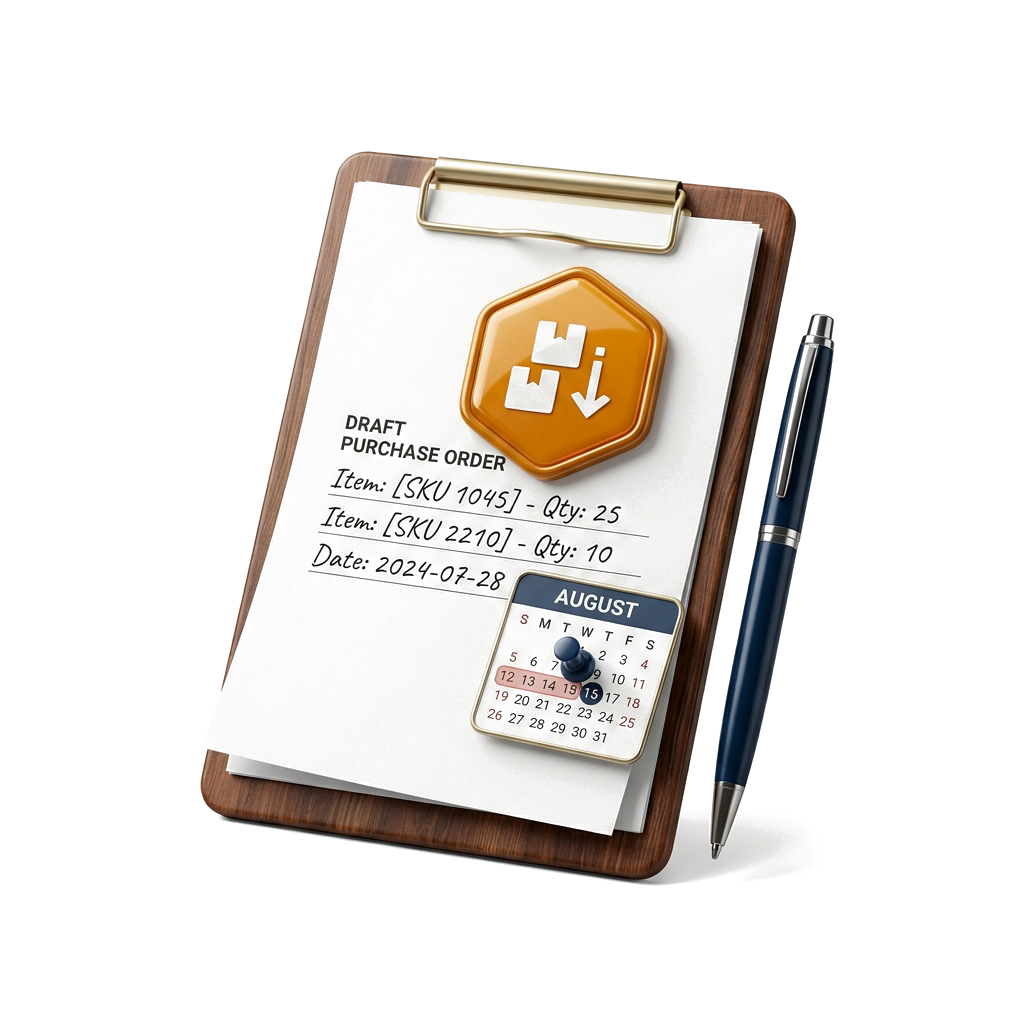
Low-stock signals, preferred vendors, draft purchase orders and batch-expiry control.
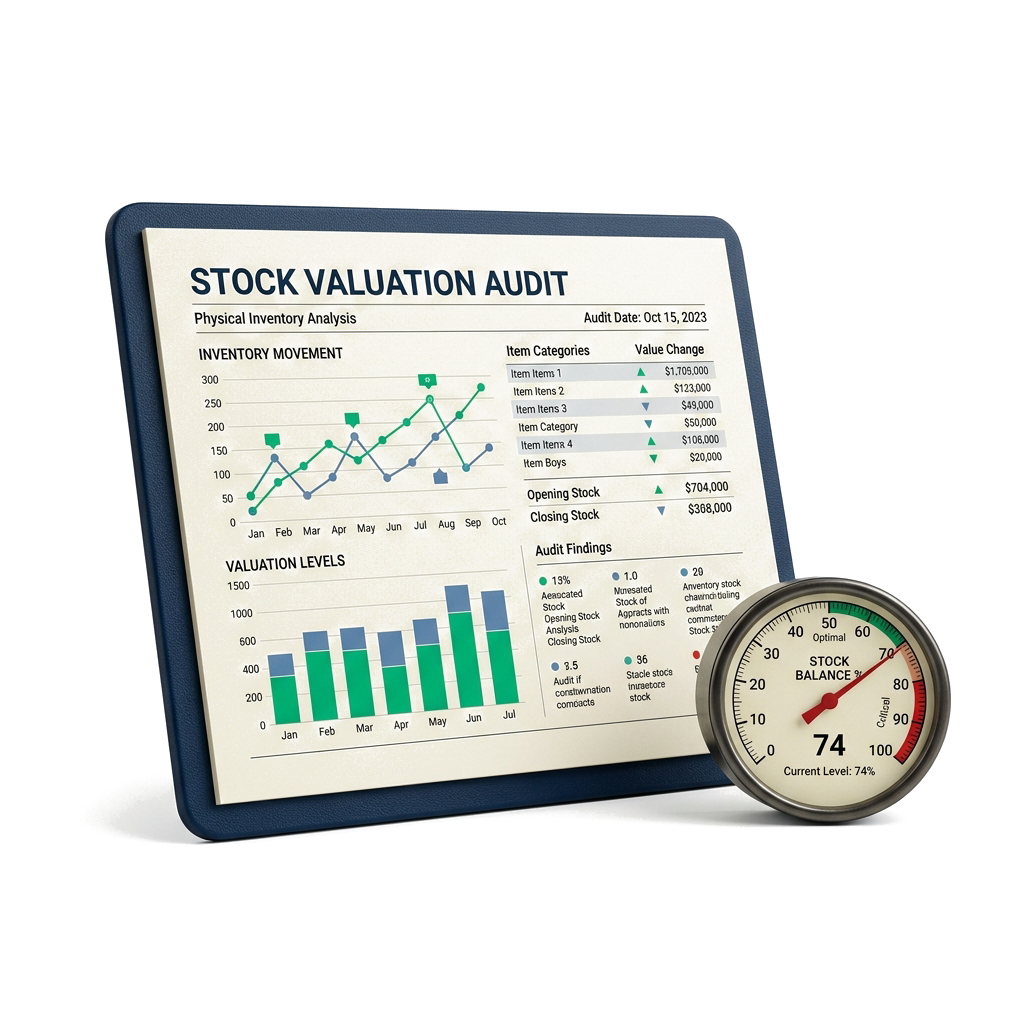
Auditable adjustments, movement history, FIFO or weighted-average valuation, dashboards and exports.
Move from item setup to shortage response without disconnecting the underlying stock record.
Create a dependable item record before quantities begin to move.
A stock record with a memory
Define the record
Selling price₹ 36,000
Cost₹ 24,800
GST18%
Unitpcs
Place the quantity
Bengaluru Central84
Mumbai West66
Chennai South34
Explain the change
+40Purchase receiptPR/0081 · Bengaluru184
-12ShipmentSHP/0063 · Bengaluru144
+32Transfer receivedTRF/0028 · Mumbai156
+28Stock adjustmentADJ/0019 · count correction184
Act before the gap
Items selected12
Vendors3
Est. value₹ 2.46L
Read the position
Healthy 281
Low stock 31
Out of stock 14
The state changes the next action without changing the identity of the item.
Available
Create items, position stock, explain movement, replenish shortages and value what the business holds.
Create a dependable item record before quantities begin to move.
Turn item data into labels that work at a shelf, counter or warehouse bench.
Know which warehouse owns the quantity, not just the organisation-wide total.
Make every manual correction explainable and every system total reconcilable.
Surface shortages and expiry exposure early enough to take a useful action.
Represent a sellable kit as the components already sitting in inventory.
Read stock health, cost exposure and movement detail from the same operational records.
Yes. Each tracked item can hold quantities across multiple warehouses. Warehouse views show item count, units and value, while transfers move itemised quantities through draft, dispatched, received or cancelled states.
Yes. Download a CSV or Excel warehouse template and upload records matched by SKU. The import can create items or update existing ones, add quantities to current stock and report created, updated, units-added and row-level error results.
Reorder suggestions combine on-hand quantity, reorder level, suggested quantity, cost and preferred vendor. You can adjust quantities and vendors, then create one draft purchase order per selected vendor.
Yes. Batch tracking can be enabled per item. Goods-in records can include batch number, expiry date, warehouse, quantity and unit cost, with expired and upcoming-expiry views and first-expiry-first-out consumption.
Yes. The label designer supports CODE-128, EAN-13, UPC-A, CODE-39 and QR, along with A4, Letter and thermal layouts, reusable templates, item fields, custom fields and PDF output.
Inventory valuation supports weighted-average and FIFO views. Reports expose units, unit cost, cost value, selling value and potential margin, with stock and ledger exports for further review.
Bring your workflows. We’ll show you how they fit together in Scalar360.
Book a demosales@scalar360.com