Scalar360 Asset Management
Asset registers with custody and depreciationKnow what you own. Know where it is.
Keep identity, custody, documents, service, approvals, depreciation and disposal connected from the first request through the asset’s complete working life.
Asset AST-000184
AssignedLT
Dell Latitude 5440IT Equipment · Good condition
Maintenance
ScheduledPreventive service
Due18 days
Repeat90 days
Depreciation
Current₹58,400Current book value
MethodStraight-line
Age1.4 years
Asset registerQR lookupCustody historyCheck-inDocumentsPreventive maintenancePurchase requestsMulti-level approvalsDepreciationDisposal
An asset list cannot explain an asset’s working life.
A serial number in one sheet, assignment in another and maintenance invoices in someone’s inbox leave the business unsure about custody, condition and current value.
Scalar360 keeps acquisition, assignment, service, depreciation and disposal as connected moments on the same durable asset record.
The complete working life
Identity for the item. Context for every change.
The register provides the anchor while custody, maintenance, approvals and accounting add the history needed to act confidently.
Asset register
Give every owned item a durable identity.
Keep code, category, serial, condition, vendor, cost, warranty, location and current status in one record.

Configuration
Set the rules before the register grows.
Configure code sequences, category structure, warranty reminders and reusable depreciation defaults.
QR identification
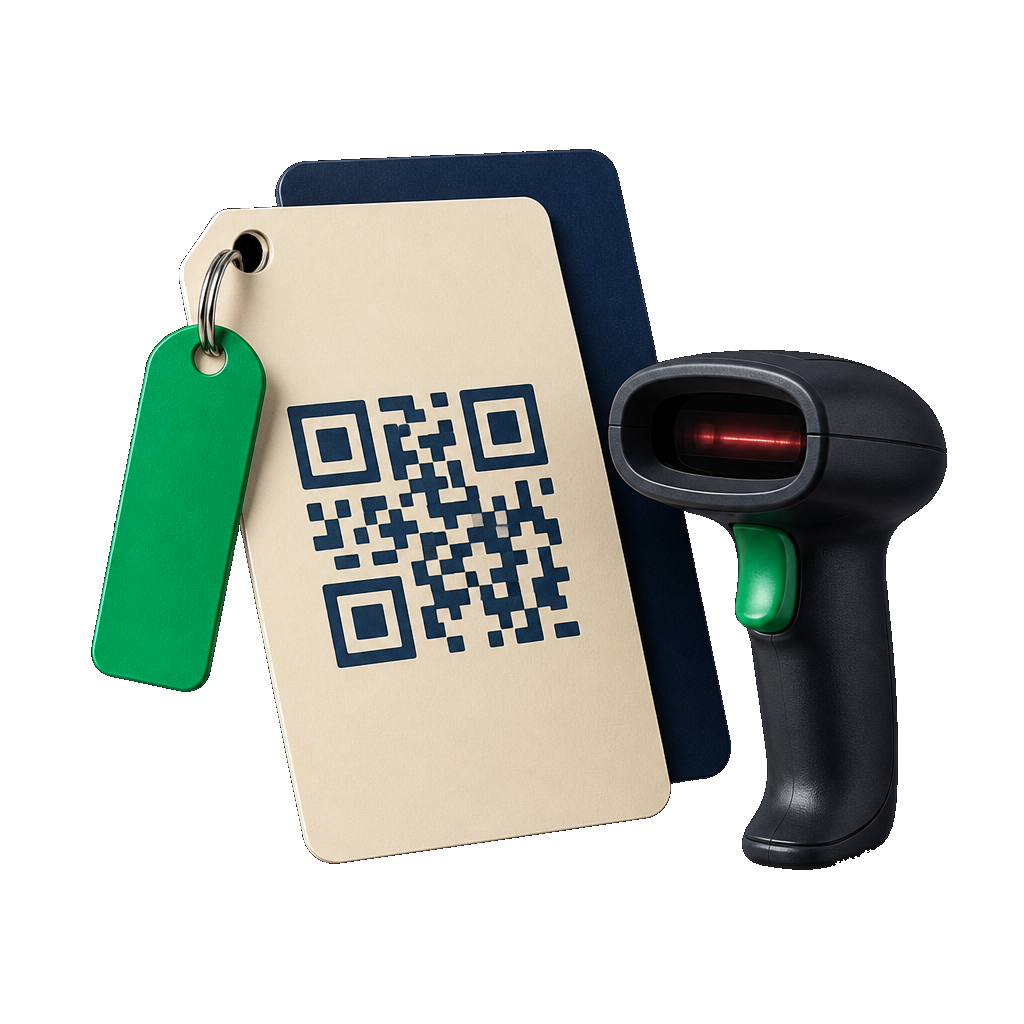
Move from the physical item to its record.
Generate a QR reference, scan with a supported browser camera or use the asset code manually.
Custody
Know who holds it and where it sits.
Assign, check in and transfer across employees, departments, branches or locations with condition history.

Evidence
Keep files and events beside the asset.
Attach invoices, warranties, manuals and photos, then review custody, maintenance and lifecycle activity.
Maintenance
Turn service due dates into work.
Run service requests, work orders and recurring preventive schedules through clear operating states.
Procurement
Start purchase or repair with a reviewable request.
Capture priority, category or asset, vendor, quantity and estimate before fulfilling into a record or work order.
Approvals
Route each decision through the right chain.
Match request type and amount to ordered approvers, retain comments and notify the current decision-maker.

Depreciation
Explain current book value month by month.
Use straight-line or declining-balance rules, safe repeatable runs and a chronological accounting trail.
Oversight & disposal
Read the portfolio through its final decision.
See cost, book value, status, category, warranty and maintenance exposure, then record sale or write-off.
One connected lifecycle
Follow the asset from request to closure.
Move through five moments to see how approval, identity, working custody, maintenance, value and disposal remain part of one record.
Request
Begin with a purchase or service need.
Capture the item or existing asset, requester, priority, vendor, quantity and estimated cost before work begins.
- Purchase or service
- Priority and estimate
- Numbered request
Requested. Assigned. Maintained. Accounted.
Ownership becomes operational context.
The asset record
Keep the physical item and financial record aligned.
Identity answers what it is. Custody answers where it went. Service answers what happened. Depreciation and disposal answer what it is worth now.
Identify
Create the record people can find again.
Code, category, serial, QR, vendor, warranty and cost establish both the physical identity and financial baseline.
Place
Keep holder and location current.
Assignment, expected return, condition, check-in and transfer entries explain who had the asset and where it moved.
Maintain
Let service work extend the same history.
Scheduled work, recurring preventive maintenance, technician ownership, cost and completion remain attached to the item.
Value
Close the lifecycle without erasing it.
Depreciation, book value and disposal details complete the record while preserving assignments, documents and service events.
Portfolio oversight
See attention, assignment and value together.
Total cost and book value sit beside in-store, assigned, maintenance, warranty and disposal counts—so operational risk is not separated from financial exposure.
Complete capability directory
Everything from first request to final write-off.
Asset register
Give every owned item a durable operational and financial identity.
- Create and edit assets with a custom code or an automatically generated organisation sequence.
- Record name, category, brand, model, serial number and detailed specifications.
- Classify condition as New, Good, Fair or Poor.
- Keep purchase date, purchase cost and originating vendor with the asset.
- Store warranty expiry, location, internal notes and current lifecycle status.
- Search by code, name, brand, model, serial number or current holder.
- Filter the register by status and category.
- Review purchase cost, accumulated depreciation and current book value from the record.
Categories & configuration
Set reusable identity and depreciation rules before the register grows.
- Create, edit and remove categories with a name, code and description.
- See how many registered assets use each category.
- Choose Straight-line, Declining balance or No depreciation for a category.
- Store category-level useful life, annual rate and salvage percentage defaults.
- Configure the organisation's automatic asset-code prefix.
- Choose number padding and preview the resulting code format.
- Set the default depreciation method applied to new records.
- Configure the number of days before warranty expiry that requires attention.
QR identification
Open the right record from the physical asset or its code.
- Generate a QR representation for an asset code from the asset record.
- Use a device camera and the browser Barcode Detector where supported.
- Open the matching asset immediately after a successful scan.
- Enter an asset code manually when camera scanning is unavailable.
- Look up the register by exact asset code through the same scan workspace.
- Fall back safely when browser camera access or live scanning is unavailable.
Assignment & custody
Know who holds the asset, where it sits and what condition left the store.
- Assign an available asset to an employee, department, location or branch.
- Search the employee directory and retain the direct employee relationship where available.
- Record holder name, working location, expected return date, condition out and notes.
- Check an assigned asset back in with condition-in and return notes.
- Transfer an asset to another holder or location without deleting prior custody.
- Review checkout, expected-return and returned dates in assignment history.
- Distinguish active assignments from returned ones.
- Carry current holder and location into register search and asset summary views.
Documents & history
Keep the evidence and the sequence of changes beside the asset.
- Attach invoices, warranty documents, manuals, photographs or other supporting files.
- Upload individual files up to 25 MB.
- Open an attached document through a generated access URL.
- Remove a document without replacing the rest of the asset record.
- Review assignment changes separately from maintenance activity.
- Retain timestamped asset events with type, description and actor.
- Keep purchase, custody, maintenance, transfer and disposal context on the detail page.
Maintenance
Move service work from a reminder into a traceable asset task.
- Log a Service request, Work order or Preventive maintenance record for an active asset.
- Capture title, description, scheduled date, expected cost, requester and assignee.
- Search maintenance by task, asset name or asset code and filter by status.
- Move work through Open, Scheduled, In progress, Completed or Cancelled states.
- Record completion date and final cost when service is completed.
- Set the next due date and recurrence interval in days for preventive work.
- Configure reminder lead time for upcoming preventive maintenance.
- Optionally auto-create a work order when a preventive schedule becomes due.
- Roll a recurring preventive schedule forward after it is processed.
- Notify the organisation when maintenance is approaching or due.
Purchase & service requests
Start acquisition or repair with a request that can be reviewed and fulfilled.
- Create a Purchase request for new assets or a Service request for an existing asset.
- Record requester, Low, Normal or High priority, title, description and notes.
- Choose a category for a purchase request or the exact asset for a service request.
- Add preferred vendor, quantity and estimated cost where applicable.
- Keep every request under an automatically generated request number.
- Search requests and filter by Draft, Pending approval, Approved, Rejected, Fulfilled or Cancelled.
- Submit a draft request into its approval path.
- Fulfil an approved purchase request by creating its asset record.
- Fulfil an approved service request by creating its maintenance work order.
- Cancel or remove an eligible request while retaining completed approval decisions.
Approval workflows
Route asset spend and service work through the right ordered decisions.
- Require approval for asset requests at the organisation level.
- Create active or inactive named workflows for all requests, purchases only or services only.
- Apply a workflow only when estimated cost meets its configured minimum amount.
- Mark a workflow as the default route when no more specific match applies.
- Add and reorder multiple approval levels with real team members or named approvers.
- Allow only the current assigned approver, organisation owner or administrator to decide a level.
- Approve or reject with an optional comment and retain decision time and status.
- Show which level is currently waiting and the decisions already completed.
- Optionally notify approvers when a request reaches their level.
- Use manually entered approvers or auto-approve where policy and workflow configuration allow it.
Depreciation
Turn acquisition cost into a repeatable monthly book-value trail.
- Choose Straight-line, Declining balance or No depreciation for an individual asset.
- Use purchase cost, purchase date, useful life, rate and salvage value in the calculation.
- Apply category and organisation defaults while retaining asset-level control.
- Review annual depreciation, accumulated depreciation, current book value and asset age.
- Generate one depreciation entry per completed calendar month.
- Skip months already booked so scheduled and manual catch-up runs are safe to repeat.
- Run monthly depreciation automatically and trigger an on-demand catch-up from settings.
- Stop depreciation at the salvage floor and cap disposed assets at their disposal month.
- Review the chronological depreciation-entry schedule on the asset record.
- Post newly booked depreciation charges into the connected accounting ledger.
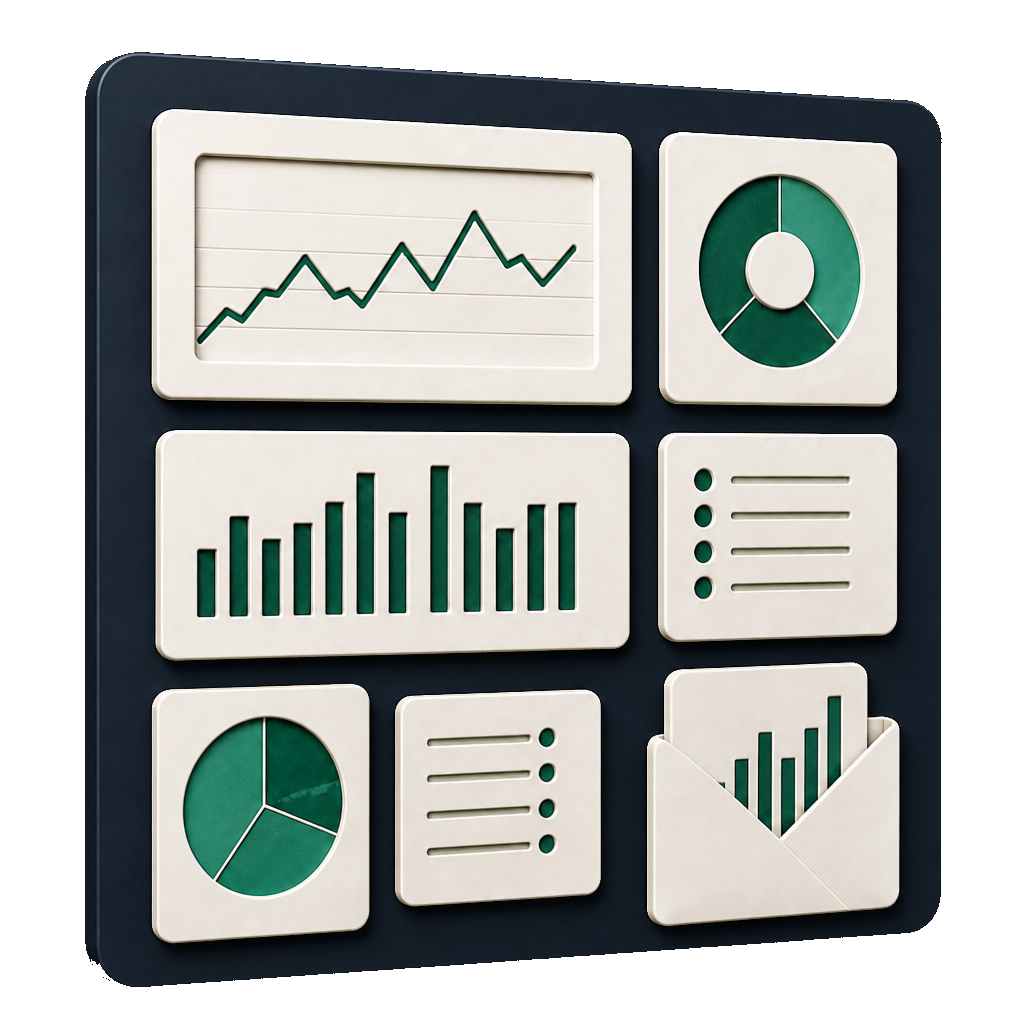
Oversight & disposal
Read portfolio condition, value and end-of-life decisions from one system.
- Review total assets, total acquisition cost, book value and category count.
- Compare assets Assigned, In store, In maintenance, In transit and Disposed.
- See open maintenance work and warranties approaching expiry.
- Review acquisition value across the latest six months.
- Compare asset counts by status and by category.
- Open warranty-attention assets and active maintenance directly from the dashboard.
- Dispose an asset by sale or write-off with date, value and notes.
- Prevent assignment, transfer and new maintenance actions after disposal.
- Retain disposal method, date and value on the read-only lifecycle record.
- Exclude disposed assets from future preventive maintenance work.
Questions, answered
Before the first asset is tagged.
Can assets be assigned to employees and departments?
Yes. Assets can be assigned to an employee, department, location or branch. The record retains holder, location, expected return, condition and notes, with a separate check-in and assignment history.
Can we scan a QR code to open an asset?
Yes. The product can generate an asset QR representation and use supported browser camera scanning to look up its record. Manual code entry remains available when live scanning is unsupported.
How does preventive maintenance work?
A preventive record can carry a next-due date and recurrence interval. The daily scheduler can send advance reminders and, when enabled, create a work order as the schedule becomes due before rolling the next date forward.
Can asset purchases require more than one approval?
Yes. Workflows can contain ordered approval levels and apply by request type and minimum amount. Only the current approver, or an organisation owner or administrator, can decide that level.
Which depreciation methods are available?
Assets and categories support straight-line, declining-balance or no depreciation. Calculations use purchase details, useful life or rate and salvage value, with monthly entries that are safe to generate repeatedly.
What happens when an asset is disposed?
The asset is closed as Sold or Written off with its date, optional value and notes. Earlier assignments, files, maintenance and depreciation remain available, while new operating actions and future preventive work stop.
Let’s connect
your business.
Bring your workflows. We’ll show you how they fit together in Scalar360.
Book a demosales@scalar360.com